

Text with an image
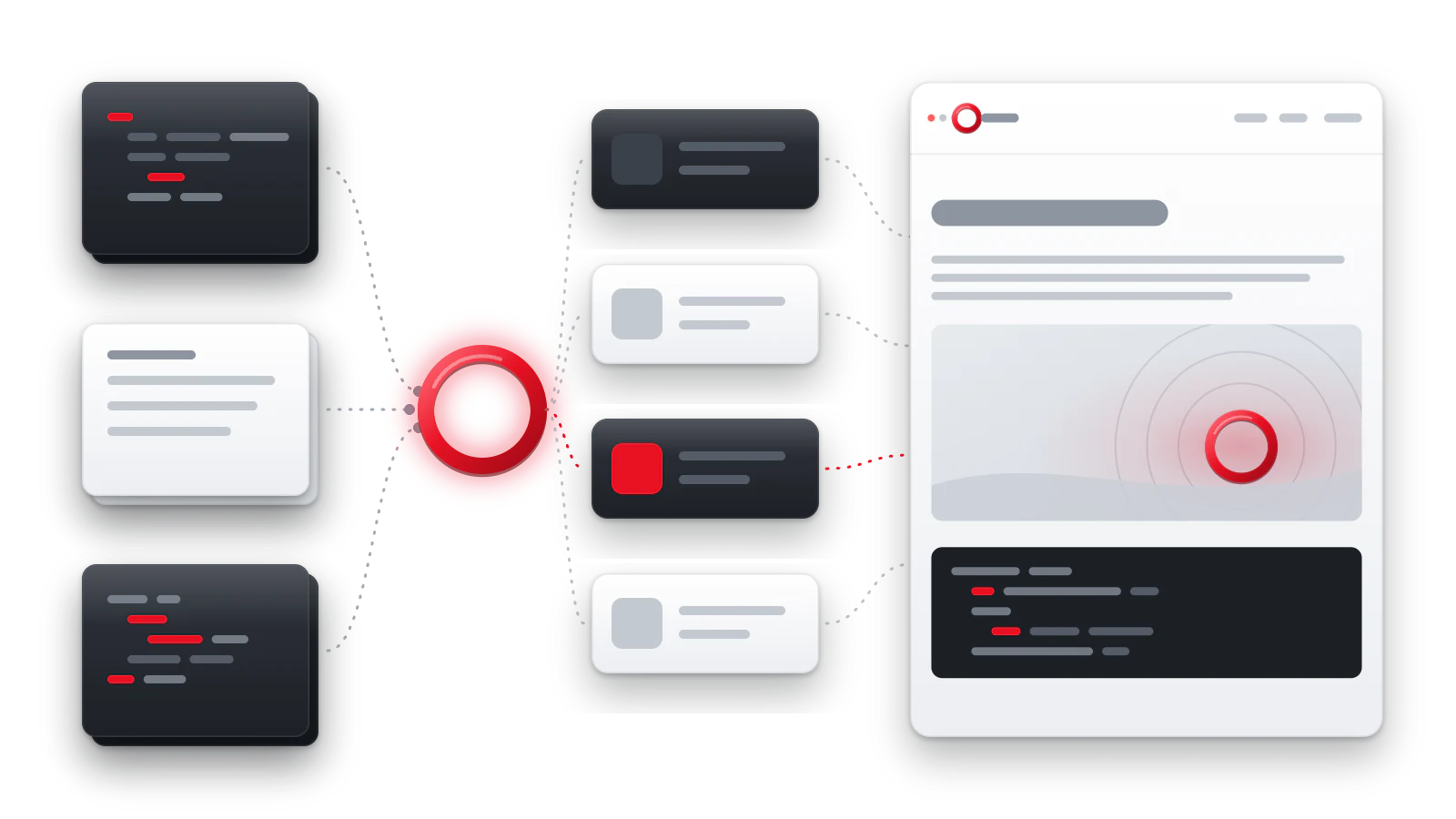
The block places a short explanation and one image side by side. On a wide screen they stand in two columns, on a phone one under the other in reading order.
Example
Text on the left
The image adds to the explanation and moves below it on a narrow screen.
Markup
Markdown
:::media
## A clear heading
A short explanation of how the text and the image relate.

:::
- Inside are the text and one image as a separate paragraph. Without an
image or without text the build stops with the error
MARKDOWN_MEDIA_CONTENT_REQUIRED. - If there are several images, the first goes into the column, and the others stay in the text. For several images choose figures.
Variants
Side
side picks which side the image is on a wide screen. The order in the
source Markdown does not change.
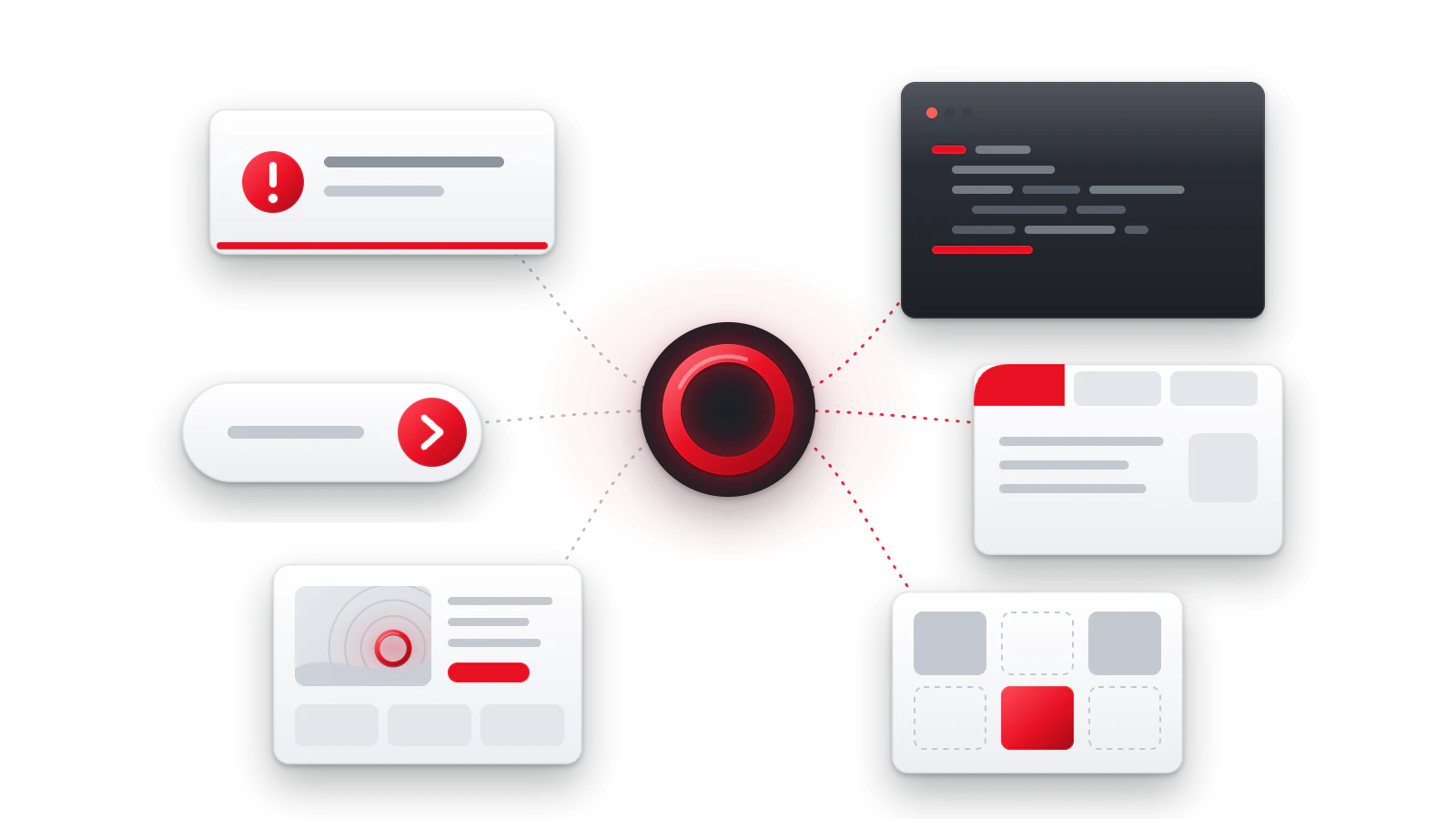
Image on the left
The mirrored variant uses the same order of the source Markdown.
Proportions
ratio fixes the aspect ratio of the image so that the layout does not
jump while it loads.
Square
Suits marks and portraits.
Accessibility
- The reading order does not depend on the side: first the text, then the image.
- The image description must explain the meaning: “A Docara page on a wide and a narrow screen”, not “screenshot”.
- The image loads as you scroll and does not slow down opening the page.
Parameters
| Parameter | Values | Default | Sets |
|---|---|---|---|
side |
left, right |
right |
Which side the image is on. |
ratio |
1/1, 4/3, 3/2, 16/9, 21/9 |
16/9 |
The aspect ratio of the image. |